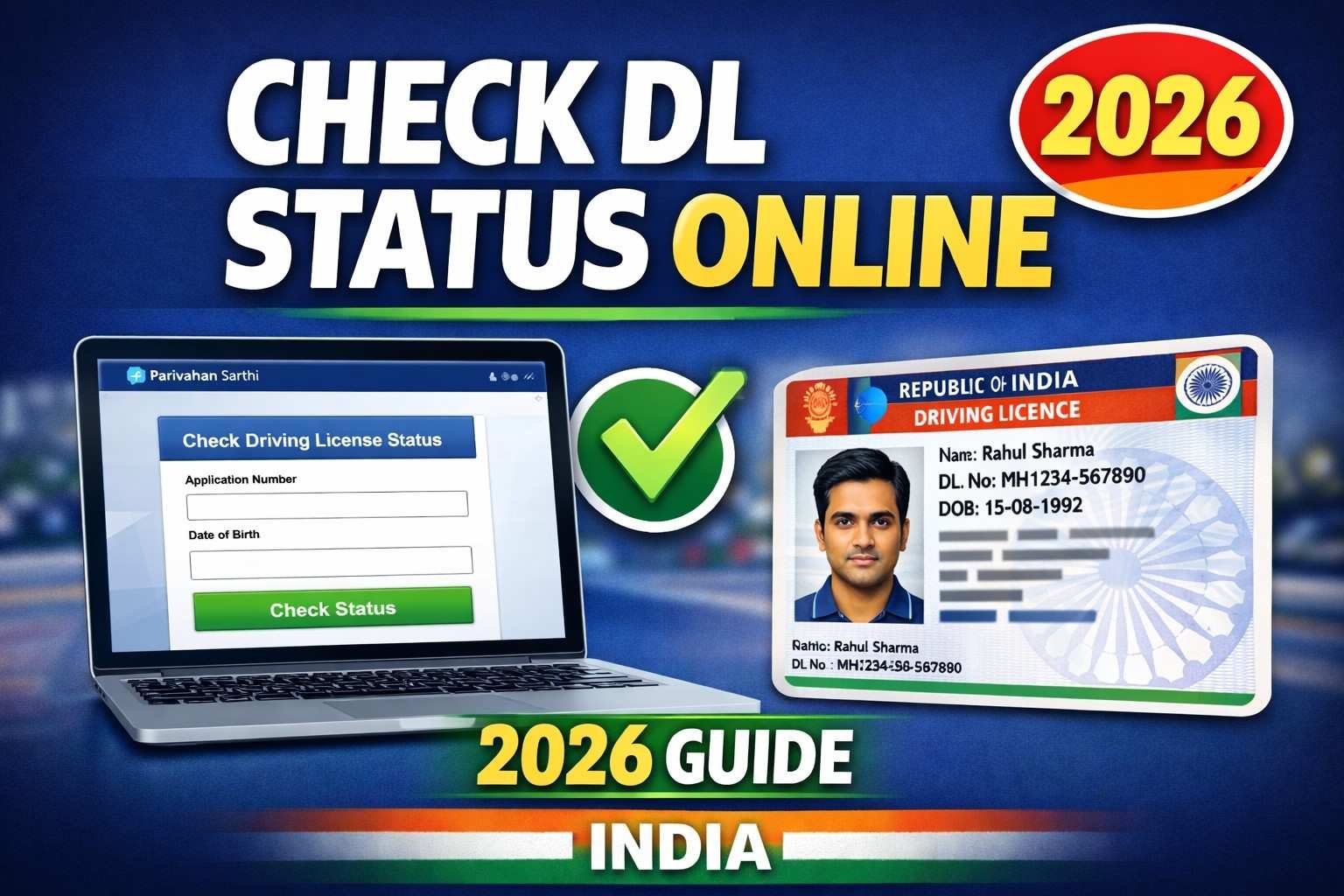
Are you waiting for your Driving Licence (DL) to arrive after applying at your Regional Transport Office (RTO)? The official Parivahan portal makes it simple to track your DL status online. This helps you see if it’s issued, under process, dispatched, or ready for download. No need to visit the RTO—do it from home! As of January 19, 2026, the process remains straightforward with no major changes reported, but always use the official site to avoid scams. We’ll explain everything in easy steps, with tables for quick reference.
What is the Parivahan DL Status Page?
The page at https://parivahan.gov.in/rcdlstatus/?pur_cd=101 is part of the Ministry of Road Transport and Highways (MoRTH) portal. It’s for checking the “Know Your Driving Licence Status.” Enter your DL details to get updates like processing stage, dispatch info, or a PDF download if issued. The “pur_cd=101” in the URL is a code that tells the system you’re checking DL status (not vehicle RC or other services).
This is free, secure, and official—perfect for new applicants or renewals. It pulls data from the national VAHAN and SARATHI databases.
How to Check Your DL Status
The process is quick and only needs your DL number. No date of birth or captcha is required based on the current page setup (as of January 2026). Here’s a simple step-by-step guide:
- Visit the official page: https://parivahan.gov.in/rcdlstatus/?pur_cd=101.
- Enter your Driving Licence number in the format shown (exactly 16 characters, including spaces or hyphens).
- Click “Check Status” to view the details.
- If issued, you can download the DL PDF directly.
If you see an error, it might be a temporary server issue—try again later.
For a quick overview, use this table:
| Step | Action | Tips |
|---|---|---|
| 1 | Go to the DL Status Page | Use a desktop or mobile browser for best results. |
| 2 | Enter DL Number | Format: DL-1420110012345 or DL14 20110012345 (16 chars total). |
| 3 | Submit | Click “Check Status”—results show instantly if valid. |
| 4 | Download if Ready | Save the PDF for printing or digital use. |
How to Format Your DL Number Correctly
Old DL numbers might need conversion to the 16-character format. Here’s an easy table with examples:
| Old Format Example | Converted Format | Explanation |
|---|---|---|
| RJ-13/DLC/12/123456 | RJ-1320120123456 or RJ13 20120123456 | SS (State: RJ) + RR (RTO: 13) + YYYY (Year: 2012) + NNNNNNN (7-digit number, pad with zeros if short). |
| TN99 0012345 | TN99 19990012345 | Add full year (e.g., “99” becomes “1999”) and pad numbers to 7 digits. |
| MH01 05/6789 | MH01 20050006789 | Convert short year (“05” to “2005”) and pad to 7 digits. |
Note: SS is state code (e.g., MH for Maharashtra), RR is RTO code. If unsure, check your application receipt or contact your RTO.
Latest Updates (as of January 19, 2026)
- No major changes to the DL status check process. The page still uses just the DL number input, with no additional fields like DOB or captcha mentioned in recent checks.
- For application status (before DL is issued), use the Sarathi portal: https://sarathi.parivahan.gov.in. Select your state, then “Application Status” to track with your application number and DOB.
- Recent government FAQs emphasize using official apps like mParivahan for mobile checks—no updates on delays or new features in January 2026.
- If your DL is delayed, it could be due to high demand; check weekly for progress.
- Digital DLs are now widely accepted—download via DigiLocker app for instant access.
Important Links
- Official DL Status Check Page: https://parivahan.gov.in/rcdlstatus/?pur_cd=101 – Direct link to enter DL number.
- Sarathi Portal for Application Status: https://sarathi.parivahan.gov.in – Check pre-issue status or find application number.
- mParivahan App Download: Available on Google Play or App Store for mobile DL status and digital wallet.
- DigiLocker for DL Download: https://digilocker.gov.in – Link your Aadhaar for e-DL.
- Parivahan Main Portal: https://parivahan.gov.in – For all transport services.
Tips for Smooth Checking
- Always use official sites to protect your data—avoid third-party apps that charge fees.
- If you lost your application number, use Sarathi: Select state > “Find Application Number” with name, DOB, and RTO.
- Server busy? Try off-peak hours (early morning or late night).
- For issues, contact your RTO or email helpdesk@parivahan.gov.in.
- Pro Tip: Once issued, carry a printed or digital copy—fines apply for driving without one!
Stay updated with government services by joining our WhatsApp/Telegram channels. If this helped, share your experience in the comments.